AI AGE PROGRESSION TOOL
Child Age Progression: See a Child Grown Up with AI
Use a child age progression tool to imagine how a child may look at a chosen age. Upload a permitted portrait, enter any target age from 13 to 122, and review the result as a family keepsake idea—not a prediction.
Child age progression starts with a permitted photo of an existing child; it does not combine two parents to invent a baby. Choose an adult target such as 18, 30 or 45 to imagine a child grown up. Targets 13–17 represent teenagers, and targets under 13 are not supported for single-person age edits. The model aims for a recognizable likeness while allowing facial proportions to mature, but it cannot predict a child’s real adult appearance. Review each output as a family keepsake idea, not evidence about identity, development or health.
See the output format
Child Age Progression: See a Child Grown Up with AI
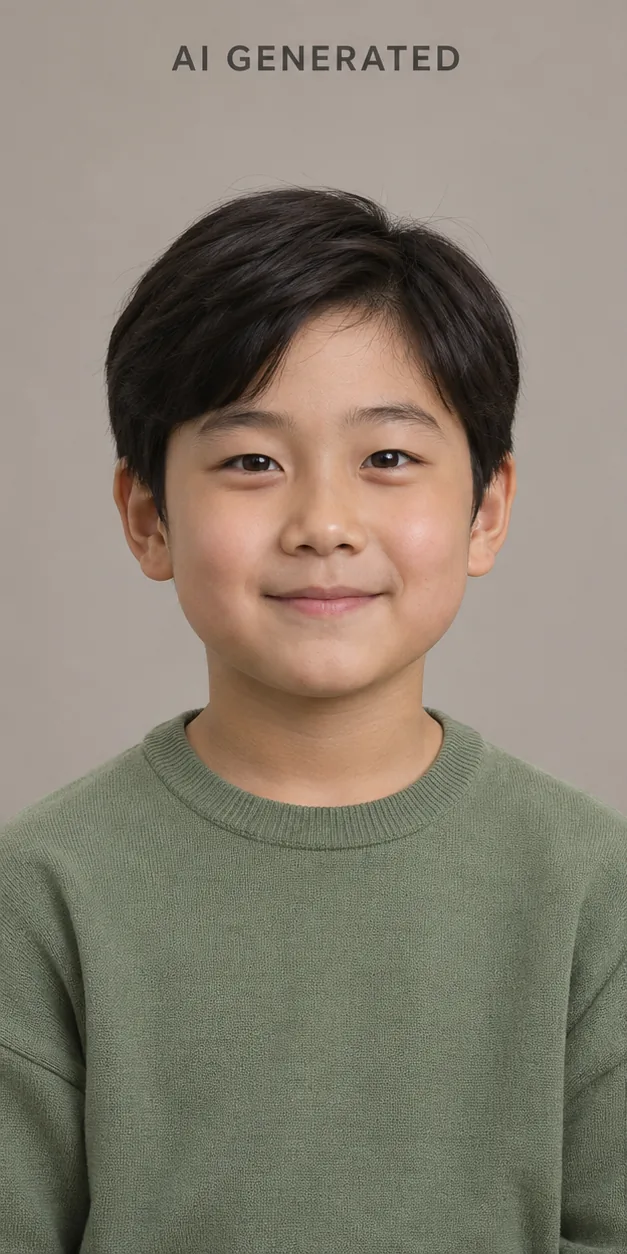
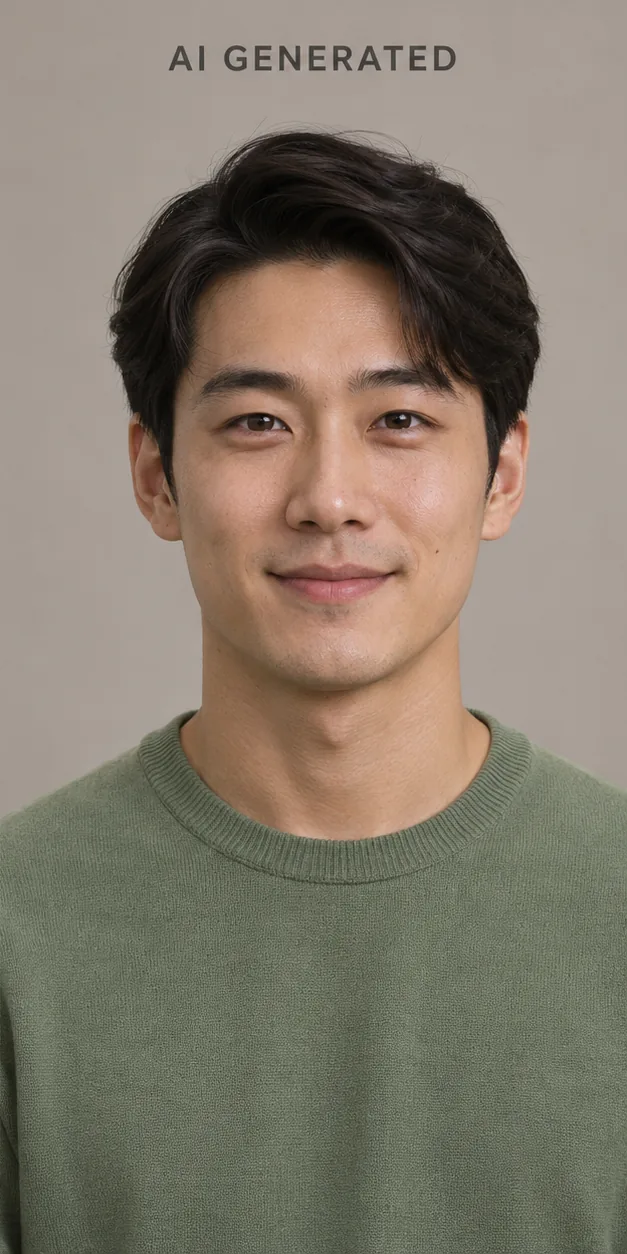
Child age progression: example ages and result checks
For a child-to-adult image, start with a photo of the child who should appear in the result. Choose Child grown up and enter an older target age. This workflow uses one child portrait; combining two parents to imagine a baby is a separate tool.
- A childhood portrait to age 18
Try this: For a clear portrait of a six-year-old, set the target to 18. Keep the framing simple and ask to preserve visible features such as eye shape and smile.
Check the result: Check the face rather than clothes or scenery. The model may invent details that are absent from a childhood photo; the result cannot establish the real adult face.
- A school photo to age 25
Try this: Crop a permitted school photo to one child, choose Child grown up and set the target to 25. Avoid a group image where the subject is ambiguous.
Check the result: Compare the eyes, face proportions and expression. If another person appears or the face changes too much, use a clearer source before changing the age or prompt.
- A scanned childhood photo to an adult keepsake
Try this: Keep an untouched scan. If scratches cross the face, inspect a restored copy before using it as the source for an adult-age image.
Check the result: Restoration can also invent missing detail. Compare both edits with the original scan and label the adult image as an AI interpretation when sharing it.
For general age editing, use the homepage tool; for an explicitly older appearance, use the aging filter. Keep the same source photo when comparing results. AI age progression online · AI aging filter
If the source is a damaged print, prepare a separate copy first and keep the original scan. Inspect any repaired facial details before age editing. Restore an old photo
Child age progression questions
These answers explain how to prepare a photo, interpret the result, and use an AI age progression responsibly.