AI AGE PROGRESSION TOOL

Baby Future Face: Imagine Your Baby Growing Up with AI
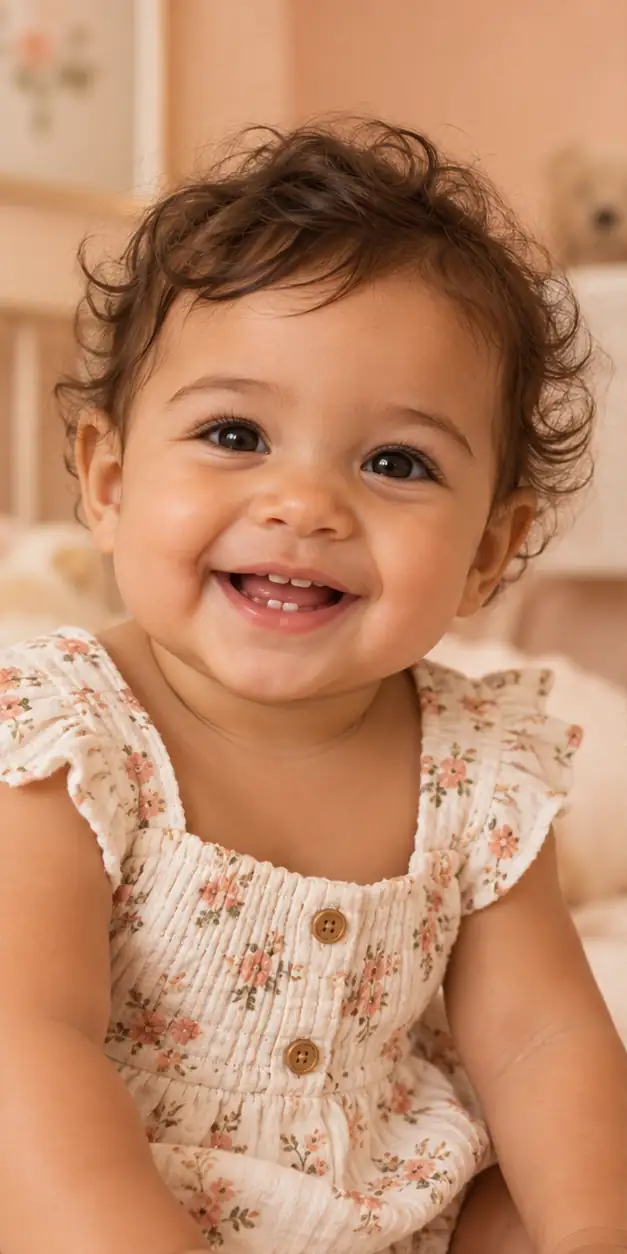
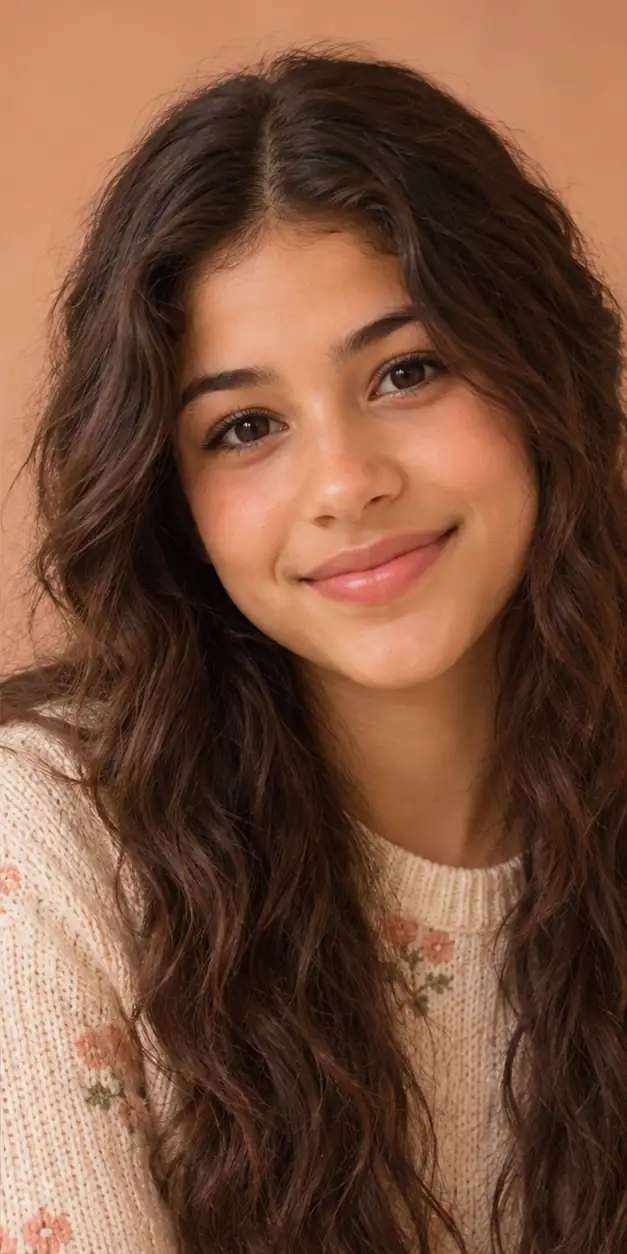
Create a gentle baby future face visualization from one permitted portrait. Explore a child, teen, or adult age stage while keeping the result clearly labeled as an imaginative AI approximation.

A baby's expression and features change quickly, which makes future-face images especially imaginative. GrowUpAI lets families explore a possible older version from one photo, using a selected age stage rather than pretending to calculate a fixed outcome. The model may carry forward visible cues such as eye color, face shape, and expression while creating age-appropriate changes in hair, proportions, and maturity. Since early childhood development is shaped by genetics, health, environment, and time, no AI image can tell you exactly what a baby will look like later. Use the result as a private memory-making idea and keep expectations realistic.

AI age progression tool
Upload a portrait, choose Future self or Child grown up, select an age stage, and generate a visual approximation in one focused workflow.

Your image is used to process this request and is not published by GrowUpAI. Only upload photos you have permission to use.

AI results are for creative and entertainment use. They do not predict real future appearance.

Your age progression result will appear here after you upload a portrait and choose an age stage.

Upload a portrait to begin.

How to make a baby future face

The child-grown-up mode is the best starting point for baby photos. Select the age that fits the moment you want to imagine, then review the result carefully.

  1. 1Choose a baby portrait that you have permission to process and that shows the face clearly.
  2. 2Select Child grown up, then choose a target stage such as 12, 18, or 30.
  3. 3Generate the image and allow the model to create a new age-directed interpretation.
  4. 4Review the result as a keepsake concept, and download or share only after checking the privacy of everyone shown.
Choose a clear, respectful baby photo
  • Use a well-lit image with the baby's face visible rather than a silhouette or heavily shadowed shot.
  • Avoid pacifiers, toys, hands, blankets, or hats covering key facial features when possible.
  • Use one baby in the frame so the model does not have to decide which face to age.
  • Keep the original file private and upload only an image that you are authorized to process.
  • Expect larger visual differences than with an adult portrait because babies change rapidly as they grow.
Why a baby's future face is only an idea
  • Baby features develop rapidly, so an output at age 18 or 30 cannot be verified from one early portrait.
  • The model may produce a different expression, hairstyle, pose, or facial balance while trying to preserve recognizable cues.
  • The result is not a genetic prediction, developmental screening, health assessment, or identity record.
  • Avoid public sharing of a child's image unless the responsible adults have considered consent and privacy.
Private by design, clear about limitations

Upload only a portrait you own or have permission to process. GrowUpAI does not publish uploaded photos as a public gallery, and generated results should be treated as creative approximations rather than facts.

Read the Privacy Policy

Baby future face questions

These answers explain how to prepare a photo, interpret the result, and use an AI age progression responsibly.

Explore more age progression tools