A playful look at what’s next

AI Age Progression Online: Explore Yourself at Different Ages

Use AI age progression online with one portrait. Choose a target age from 13 to 122 and compare an imagined younger or older self with your original photo.

Sign up for 3 free credits · one low-resolution preview · no watermark

  • Ages 13–122
  • Use online · no app needed
  • No added watermark
AI age progression tool

Illustrative portraits, not predictions. Each card selects a target age.

Targets 13–122. Under-13 edits are not supported by the provider.

Describe your request (optional)

0/600

Describe preferences for hair, clothing, background, lighting, expression, or camera. Identity and target age stay unchanged.

Checking your credit balance…

Your image is used to process this request and is not published by GrowUpAI. Only upload photos you have permission to use.

Generated result

Your age progression result will appear here after you upload a portrait and choose a target age.

  1. Upload a portrait
  2. Quick target ages
  3. Generate your chosen age

Sign in and use credits to generate a private result.

AI results are for creative and entertainment use. They do not predict real future appearance.

Image examples

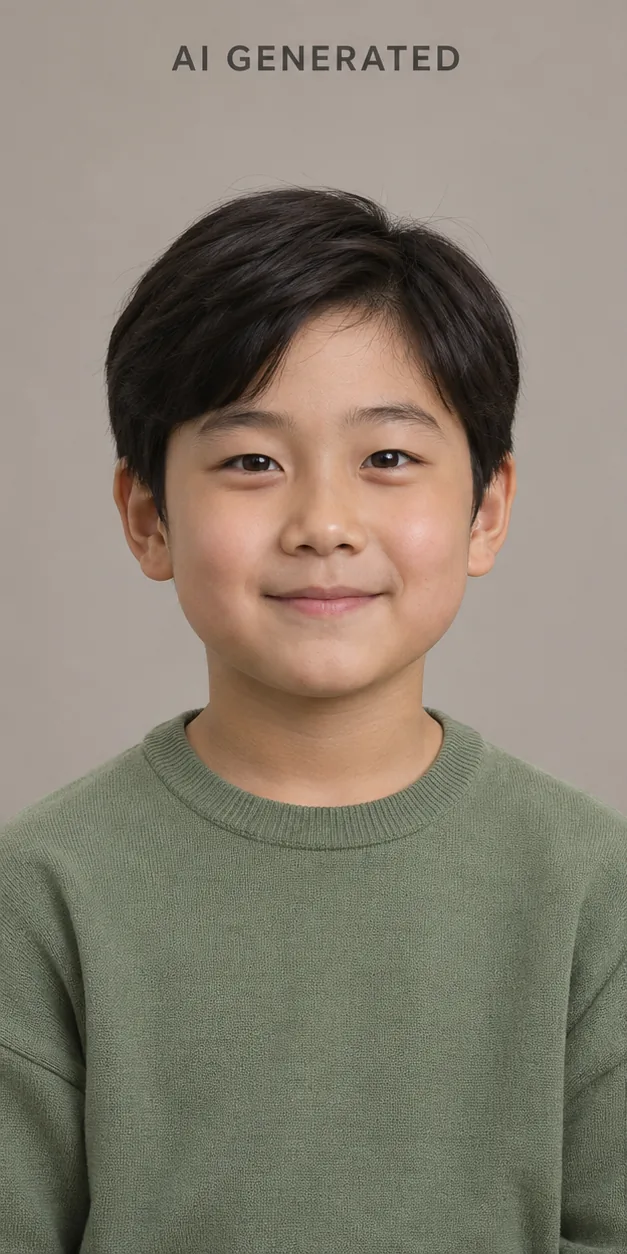
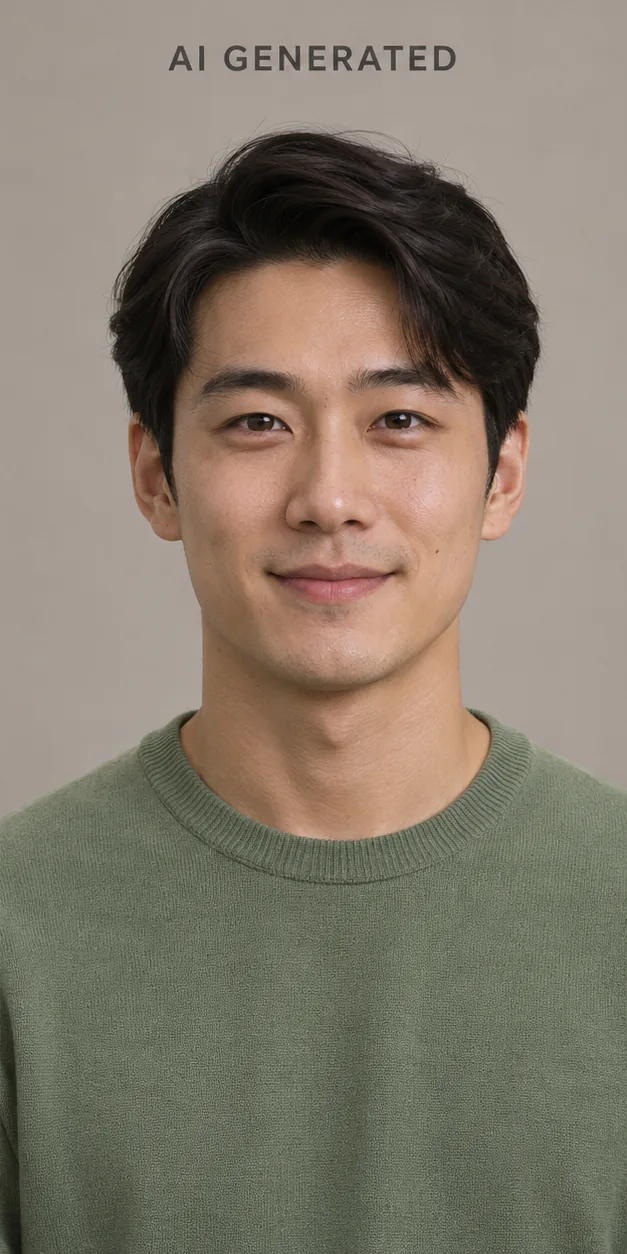
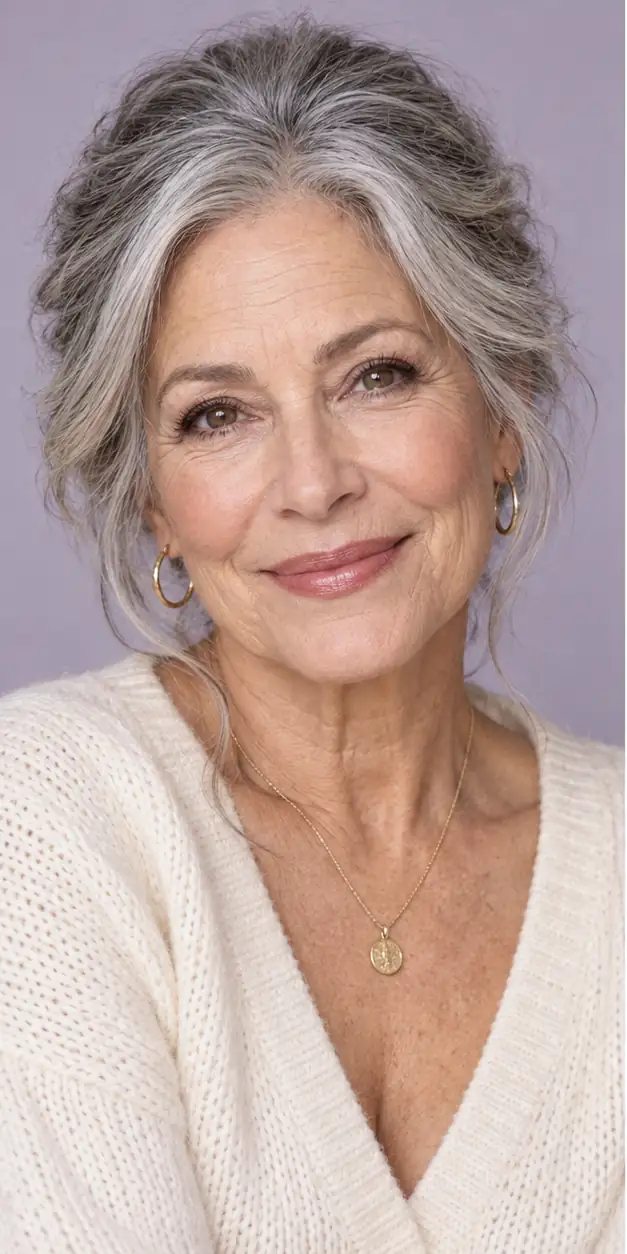
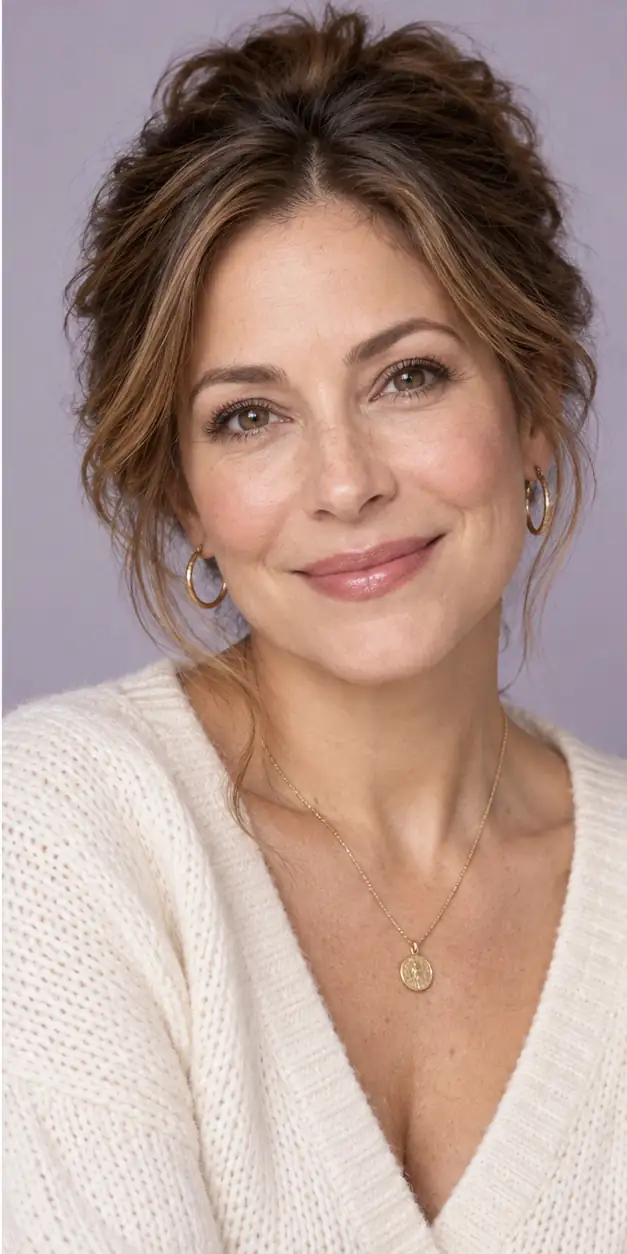
Explore future faces, children grown up, and younger looks. AI examples are for creative inspiration; your results will vary.

Future face — BeforeBefore
Future face — AfterAfter
Future face
Child to adult — BeforeBefore
Child to adult — AfterAfter
Child to adult
Younger Filter — BeforeBefore
Younger Filter — AfterAfter
Younger Filter

From portrait to possibility

How the AI age progression tool works

GrowUpAI's AI age progression online workflow is designed to answer one visual question at a time: what might this person look like at a chosen age? Start with a clear portrait, select the direction and target age, then review the generated result before saving it. The tool keeps the input, target age, and output together so you can retry with a better photo or compare different ages without learning a complicated editor.

01

Upload one clear portrait

Choose a front-facing JPG, PNG, or WebP under 1 MB. A single person, good light, and visible facial features give the model the clearest starting point. Remove heavy filters and avoid group photos when you want the result to stay connected to one face.

02

Choose a direction

Use Future self to explore a later version of an adult portrait, or Child grown up for a child portrait. Select the mode that matches the source photo instead of asking the model to guess between different people.

03

Generate your chosen age

Enter any whole age from 13 to 122. Registered users can use their 3-credit welcome gift for one free low-resolution watermark-free preview; standard generations use 3 credits per image from the standard 1K tier. Each result is an interpretation, so changing the age or source image can change details such as hair, skin texture, expression, or lighting.

04

Review and download

Review the image, download the result, or continue with another target age. Standard generations start at 3 credits and vary by model and resolution.

Made for meaningful what-ifs

Explore all age and photo tools

AI age progression is more useful when it is tied to a real question. Choose the scenario that best matches the portrait you want to explore, and keep the result in the right context: creative, personal, and approximate.

Future face generator

Use an AI age progression tool to imagine your future face from one clear portrait. Choose any target age from 13 to 122, generate a visual approximation, and compare results without treating them as a guaranteed prediction.

Open Future face generator

Child age progression

Use a child age progression tool to imagine how a child may look at a chosen age. Upload a permitted portrait, enter any target age from 13 to 122, and review the result as a family keepsake idea—not a prediction.

Open Child age progression

Baby future face

Create a gentle baby future face visualization from one permitted portrait. Choose any target age from 13 to 122 while keeping the result clearly labeled as an imaginative AI approximation.

Open Baby future face

Future Baby

Explore a playful visual what-if from two consenting adult portraits. The result is a creative approximation, not a promise about a child’s real appearance.

Open Future Baby

Old Photo Restoration

Use an AI old photo restoration tool online to repair scratches, improve blurry details, reduce noise, and colorize a scanned family photo. Upload a JPG, PNG, or WebP and preview the result.

Open Old Photo Restoration

The idea behind the tool

What does AI age progression actually do?

AI age progression is an image-to-image task. Instead of creating a completely new person from a text prompt, the model starts with your portrait and interprets how age-related traits could change while keeping important identity cues. For age progression from one photo, the goal is not to reconstruct a hidden future; it is to create a coherent visual direction: the same person, a different point in life, and a result that still feels connected to the source photo.

A useful age progression instruction asks the model to preserve facial structure, expression, skin tone, eye color, framing, and natural lighting. It also gives the model a target age and a clear context, such as future self or child grown up. A front-facing photo with visible eyes, even lighting, and enough resolution gives the model more consistent reference information. Someone exploring a chosen target age will usually get a clearer comparison from one natural portrait than from a group photo with different faces, a side profile, or a heavily filtered selfie.

The result is not a medical, forensic, genetic, or scientific forecast. Real people age in many different ways because of genetics, health, lifestyle, environment, hair, expression, and countless details that a single photo cannot reveal. The output can suggest a future self, a child grown up photo, or a simple age timeline for personal curiosity, but it cannot tell you exactly how a person will age or provide evidence about health, identity, or a child's future. Use GrowUpAI as a creative visualization for curiosity, family memories, and conversation—not as evidence about a person's actual future appearance.
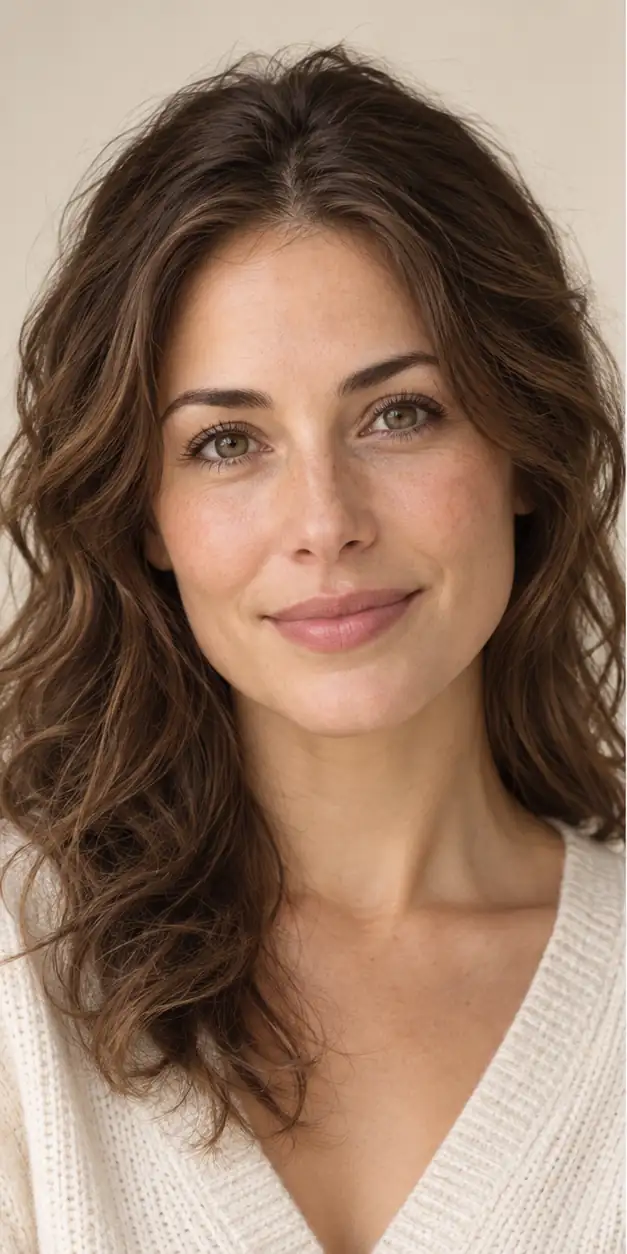
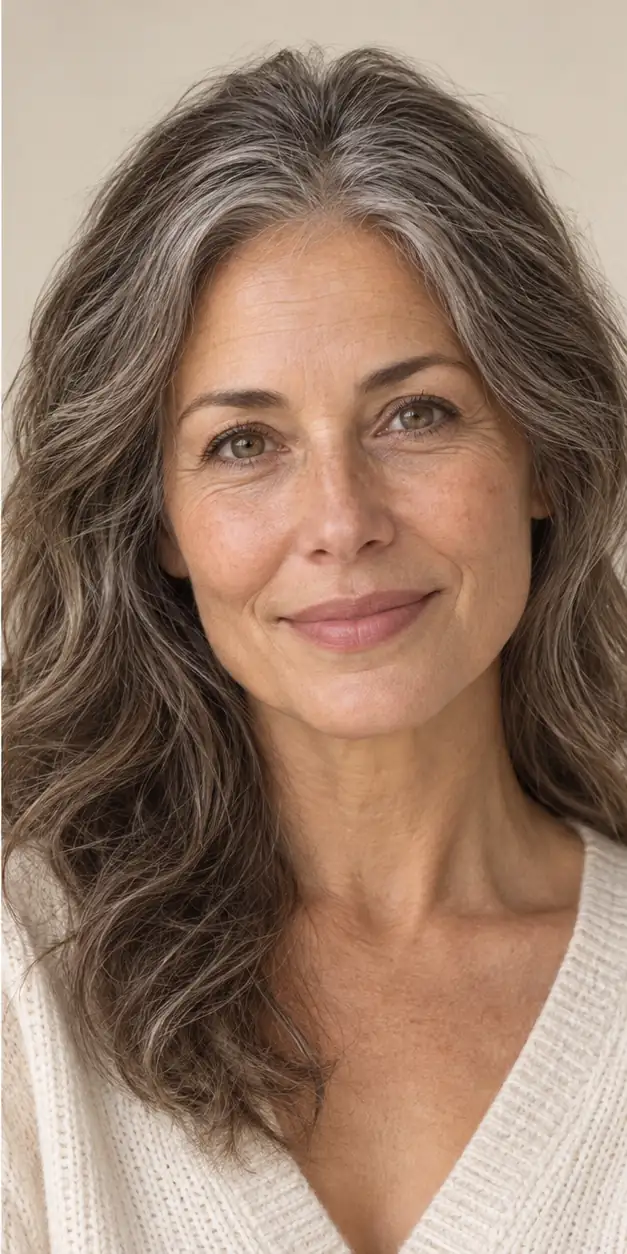
A simple age progression path

Choose separate target ages to explore a small timeline.

Today

Your uploaded portrait

Your target age

Any whole age from 13 to 122

The timeline is a creative sequence of AI-generated possibilities. It should not be used to identify a person, estimate health, or make decisions about a child’s future.

Choose the right expectation

AI age progression vs. a standard aging filter

Many age filters apply a single dramatic effect. AI age progression is more useful when you want an intentional target age, a family-friendly result, and an explanation of what the tool can and cannot do. Choose an AI age progression when you want to compare a future self, explore a child grown up photo, or create several age stages from one portrait.

Main goal

AI age progression

Explore a target age while preserving identity cues

Standard aging filter

Apply a quick older or younger effect

Best for

AI age progression

Future self, child grown up, and age timeline ideas

Standard aging filter

Fast social effects and entertainment

Control

AI age progression

Choose Future self or Child grown up, then enter any target age from 13 to 122

Standard aging filter

Usually one fixed effect or a simple slider

Expected output

AI age progression

A new image interpreted by an AI model

Standard aging filter

A visual effect, not a prediction

Private by design, clear about limits

GrowUpAI keeps generation tied to a signed-in account so credits and private results stay together. Your image is sent to the image-processing provider needed to generate the result, but GrowUpAI does not publish it as a public gallery. Use photos you own or have permission to process, and review the Privacy Policy before uploading sensitive images.

  • Sign-in is required before a generation request can use credits.
  • We do not present generated results as a scientific or guaranteed prediction.
  • You choose which result to download or share.
Read the Privacy Policy

Better inputs make better age progression

AI age progression can be expressive, but it cannot know exactly how a real person will age. Hair, lighting, camera angle, facial expression, genetics, lifestyle, and the model’s interpretation can all change the result. If the first result feels unclear, try a sharper front-facing portrait and one different age stage rather than assuming the tool has produced a factual answer.

  • Use one front-facing person with a clear, unobstructed face.
  • Avoid heavy filters, sunglasses, extreme angles, and very low-resolution images.
  • Treat every result as an imaginative approximation, not a factual portrait of the future.

AI Photo Credits for Fun Experiments

Register to receive 3 credits for one free low-resolution watermark-free preview. Standard generations use 3 credits per image from the standard 1K tier, and credit packs are one-time purchases with no recurring charge.

1K · 3 credits / image2K · 5 credits / image4K · 8 credits / image
View credit packs

Before you upload

AI age progression questions, answered

These answers explain what the tool does, what you need to upload, and how to interpret an AI age progression result responsibly.

Curious about your next chapter?

Start with one clear photo and receive 3 credits after registration for one free low-resolution watermark-free preview. Standard generations use 3 credits per image from the standard 1K tier; download the result or continue with another target age.

Upload a photo