AI AGE PROGRESSION TOOL

AI Aging Filter: Preview an Older Version of Your Face
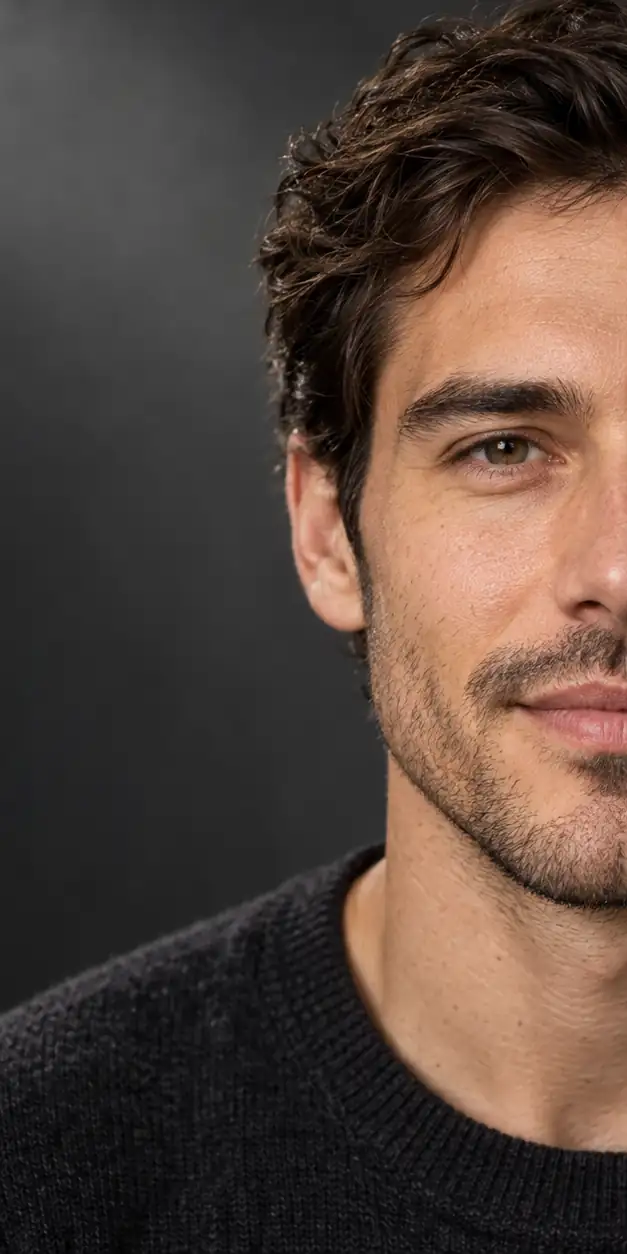
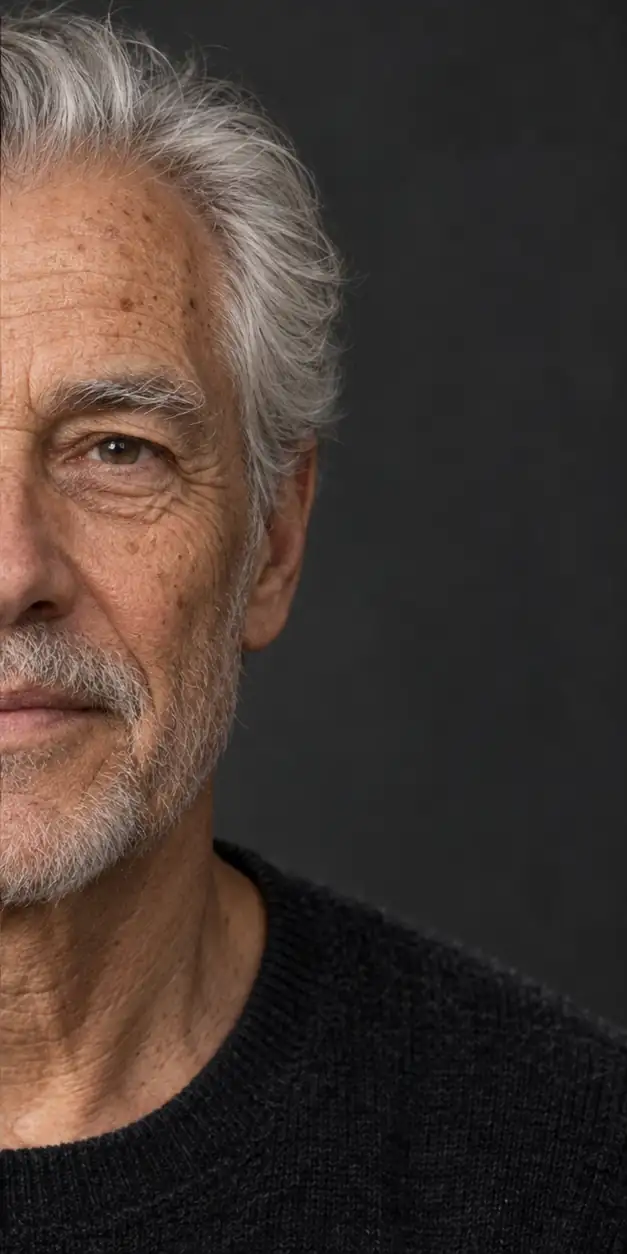
Try an AI aging filter that does more than add a generic wrinkle effect. Upload a portrait, choose a later age, and create an age progression result that keeps the original person and composition in view.

A conventional aging filter often applies a quick surface effect such as wrinkles, gray hair, or a darker skin texture. An AI aging filter can take a broader age direction: it interprets the portrait, target age, facial structure, hair, expression, and overall composition together to create a new image. That can make the result more engaging for a future-self experiment, but it also means the output is an interpretation rather than a measurement. GrowUpAI is suited to personal curiosity and creative sharing, with clear limits around accuracy, privacy, and identity.

AI age progression tool
Upload a portrait, choose Future self or Child grown up, select an age stage, and generate a visual approximation in one focused workflow.

Your image is used to process this request and is not published by GrowUpAI. Only upload photos you have permission to use.

AI results are for creative and entertainment use. They do not predict real future appearance.

Your age progression result will appear here after you upload a portrait and choose an age stage.

Upload a portrait to begin.

How to use the AI aging filter

Start with a clean portrait and select the age direction that fits your idea. The tool keeps the main workflow on one screen so you can review the output before downloading it.

  1. 1Upload a JPG, PNG, or WebP portrait with one person and visible facial features.
  2. 2Keep Future self selected and choose an age stage such as 30, 50, or 70.
  3. 3Generate the result and wait for the image model to complete the age-directed edit.
  4. 4Compare the output with the source photo, then download it only if the result matches your intended creative use.
Get a more natural aging result
  • Use even lighting and a mostly front-facing pose so the model can read the face without guessing.
  • Choose a natural expression and avoid strong beauty filters, sunglasses, or dramatic makeup.
  • Try a few age stages instead of relying on one extreme old-age result.
  • Keep the file small enough for the tool and remove sensitive images from your device or account according to your own privacy needs.
  • Remember that realistic-looking details do not make the result a factual forecast.
AI aging filter limitations
  • An AI aging filter can change features that are not actually caused by age, including hair, lighting, expression, and face shape.
  • The output may look realistic while still being inaccurate for the real person.
  • It should not be used for identity checks, medical judgments, forensic work, employment, insurance, or other high-stakes decisions.
  • Use only portraits you own or have permission to process, and avoid uploading official IDs or sensitive private images.
Private by design, clear about limitations

Upload only a portrait you own or have permission to process. GrowUpAI does not publish uploaded photos as a public gallery, and generated results should be treated as creative approximations rather than facts.

Read the Privacy Policy

AI aging filter questions

These answers explain how to prepare a photo, interpret the result, and use an AI age progression responsibly.

Explore more age progression tools